


30,000+ repairs. 12 bases. 2,100 fields. Zero off-the-shelf ERPs. All built on Airtable.
A multi-service repair business doesn't fit in a generic ERP. In 2019, I evaluated RepairDesk ($99/mo), Orderry and RepairShopr: all existed, but none covered the multi-service model (repairs + accessories), nor offered CRM with gamification, complex automations or programmatic SEO. I needed a system that was the single source of truth for everything: orders, inventory, customers, bookings, billing and automations. So I built it.
A Day in the Life of the System#
Here's what happens when a customer texts "I want to repair my iPhone 14 Pro":
Jacobo (omnichannel AI agent) detects the repair intent, identifies the model and checks screen stock in Airtable in real time.
Stock available → Jacobo replies with an estimated price and asks when they'd like to come. The customer states their preference in natural language, and a Jacobo sub-agent checks YouCanBookMe availability to offer the closest slots. Zero friction, without leaving the conversation.
Customer confirms the time → the appointment is created in YouCanBookMe, the work order is generated in Airtable and the parts are auto-reserved from inventory — locked for that repair.
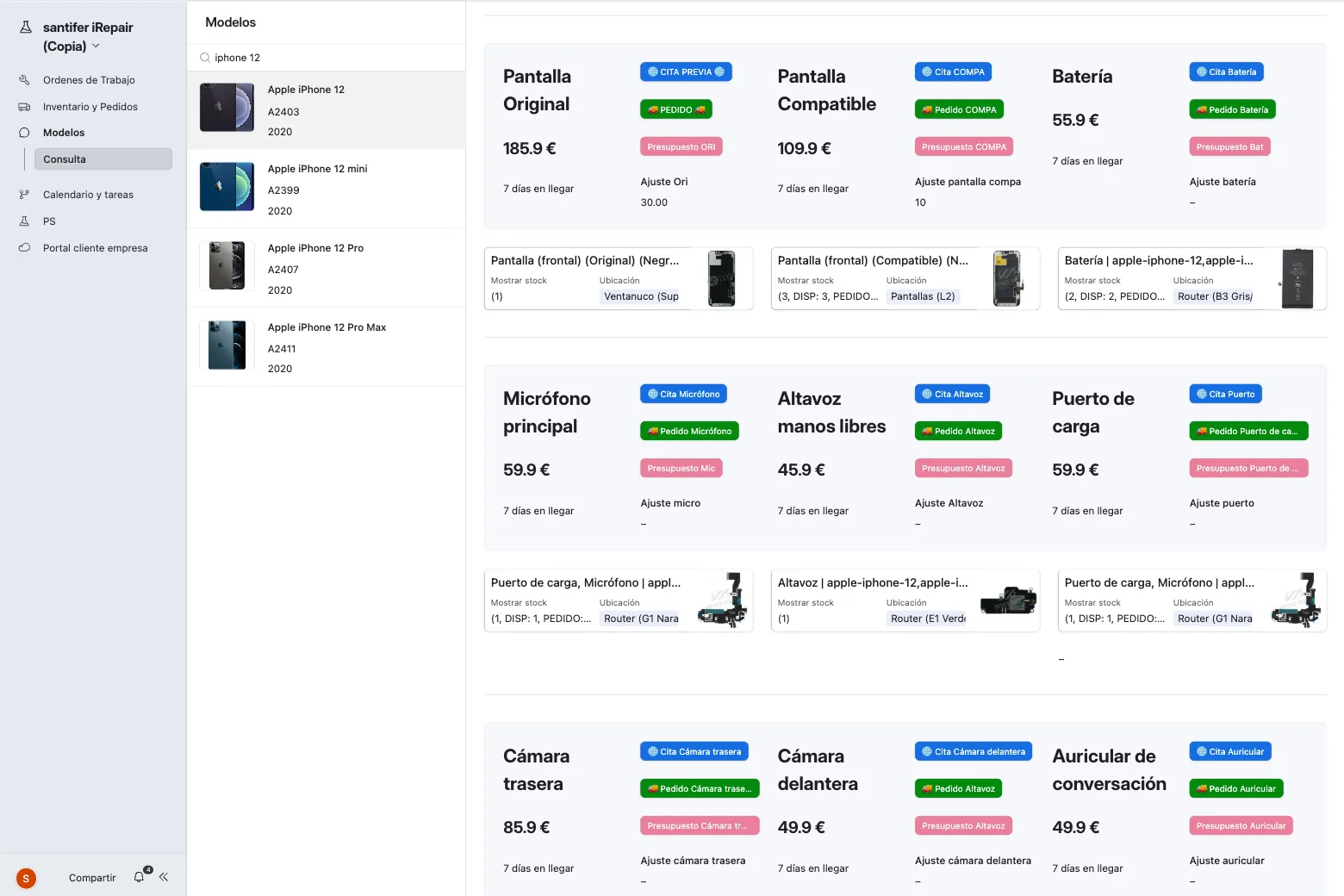
The technician sees the work order on their tablet with full detail: model, repair, reserved parts and exact warehouse location.
Repair completed → invoice auto-generated → loyalty points added to CRM → customer receives a satisfaction survey via WhatsApp.
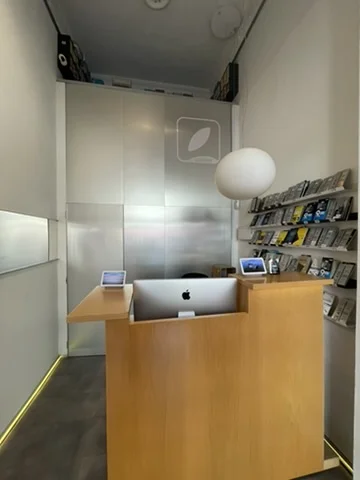

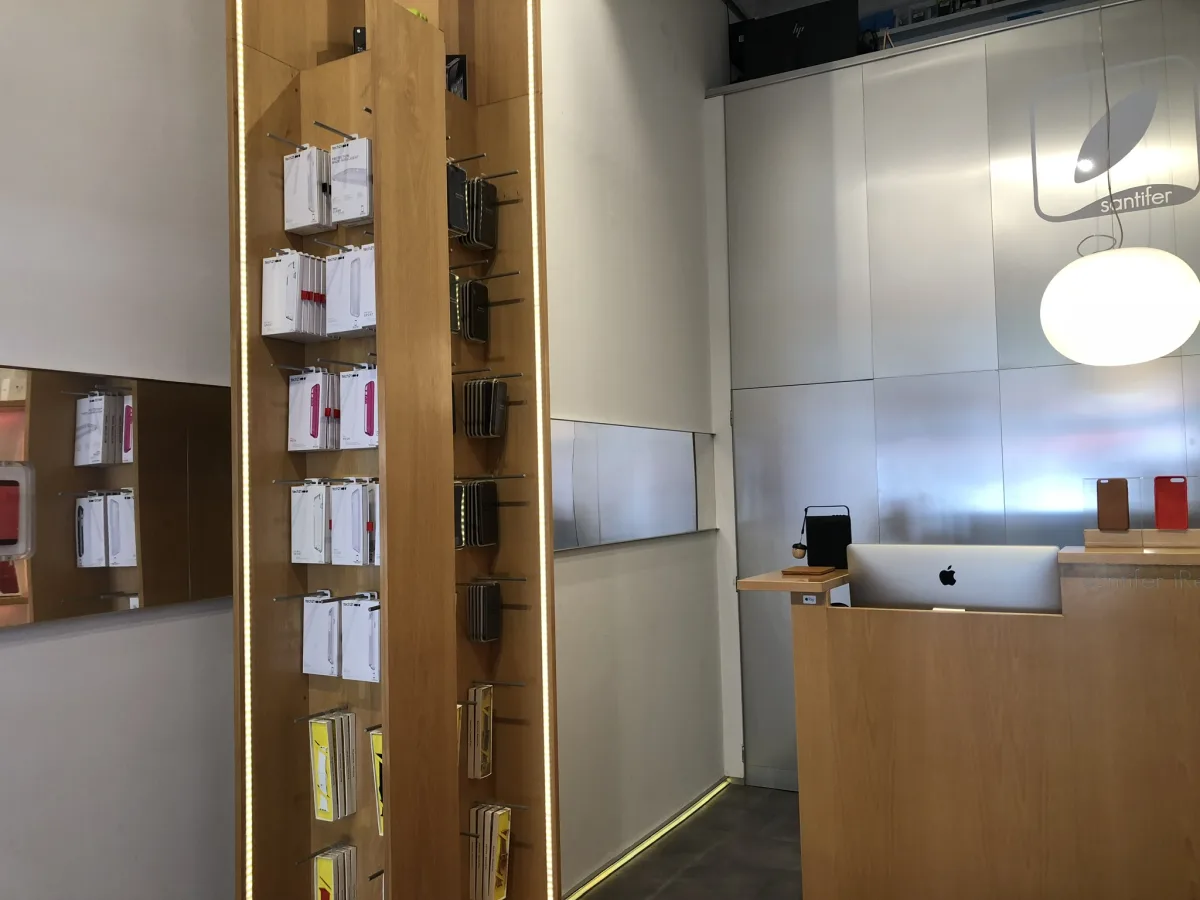
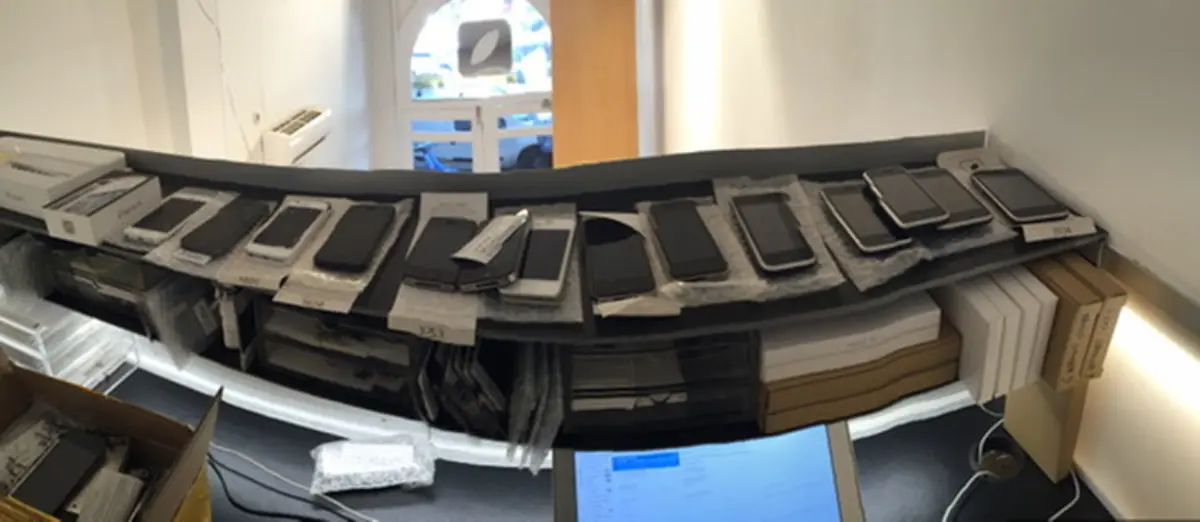
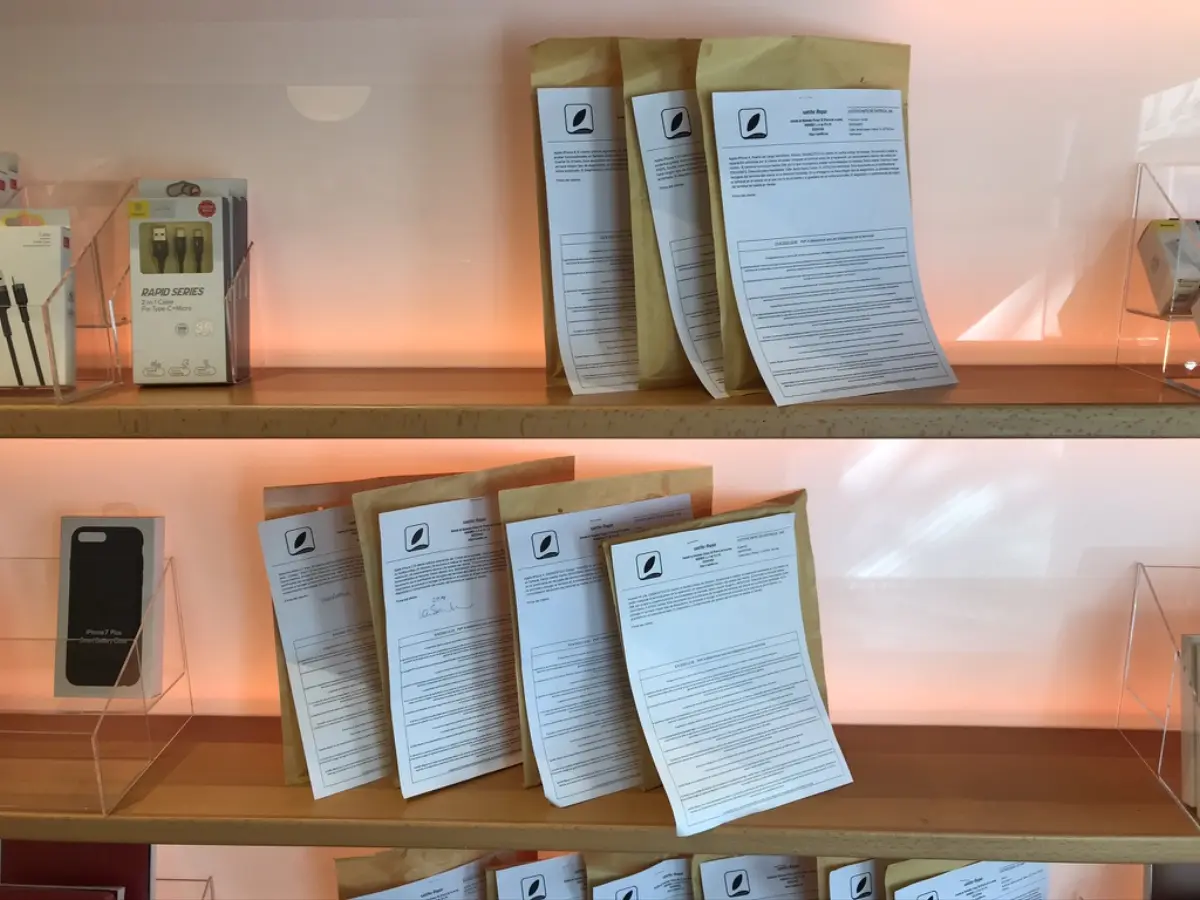
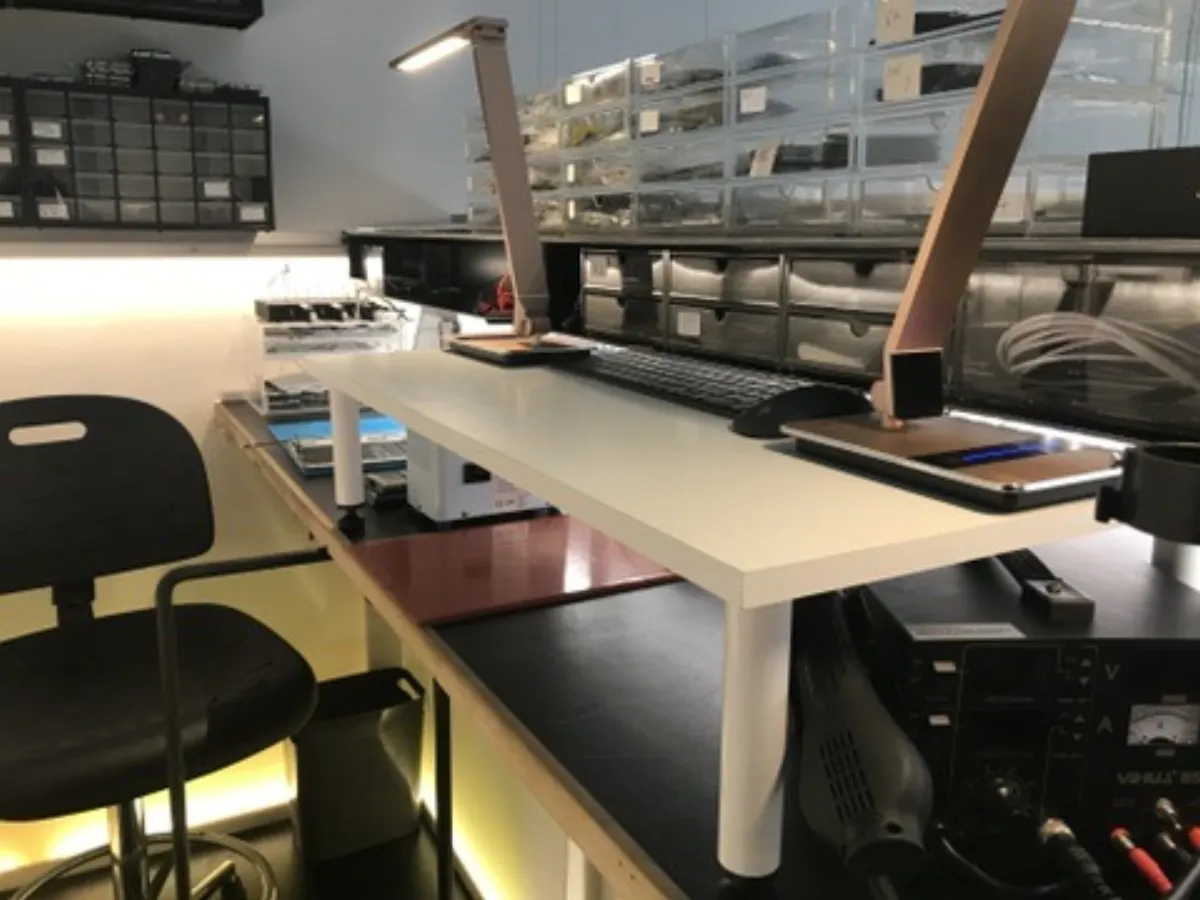
The customer walks in and sees a clean counter. Next to it, the dumbwaiter takes devices up to the workshop and brings them back repaired — the physical connection between digital and real.
Want to know more about Jacobo?
Omnichannel AI agent that handles customers via WhatsApp and voice, checks stock in real time, and manages appointments autonomously.
Why I Didn't Use RepairDesk or Odoo#
Before building, I researched the alternatives. None fit:
RepairDesk ($99/mo)
Already existed in 2019. Covers ticketing and inventory, but designed for pure repair shops. Didn't support the multi-service model (repairs + accessories), CRM with tiers/gamification, or complex automations.
RepairShopr / Orderry
Also available in 2019. RepairShopr had basic email marketing ("Marketr") and Zapier, but rigid flows. Orderry, good foundation but no real automation capability. Neither offered programmatic SEO or AI agent integration.
Traditional ERP (Odoo, SAP B1)
Overkill, slow to implement, and without the flexibility to iterate weekly. Customization cost far exceeded building something custom.
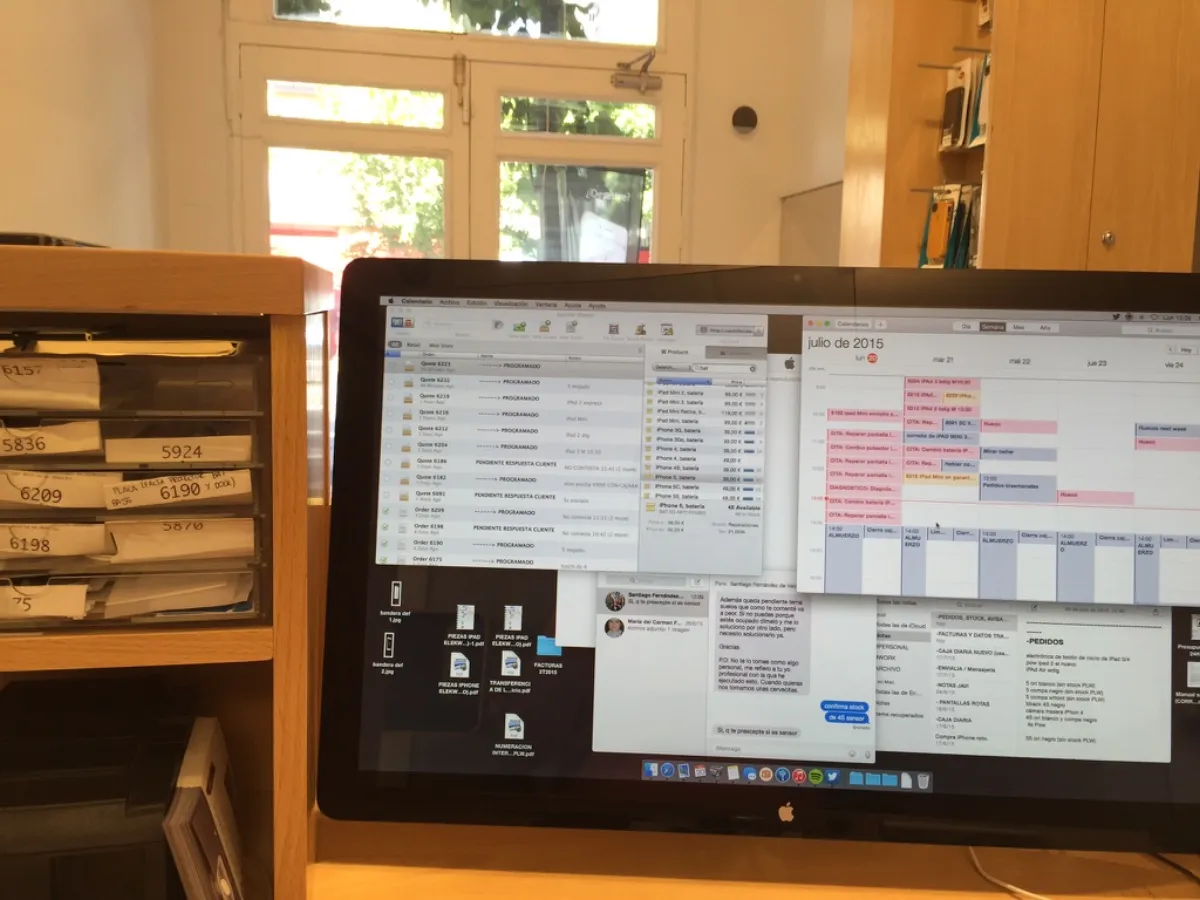
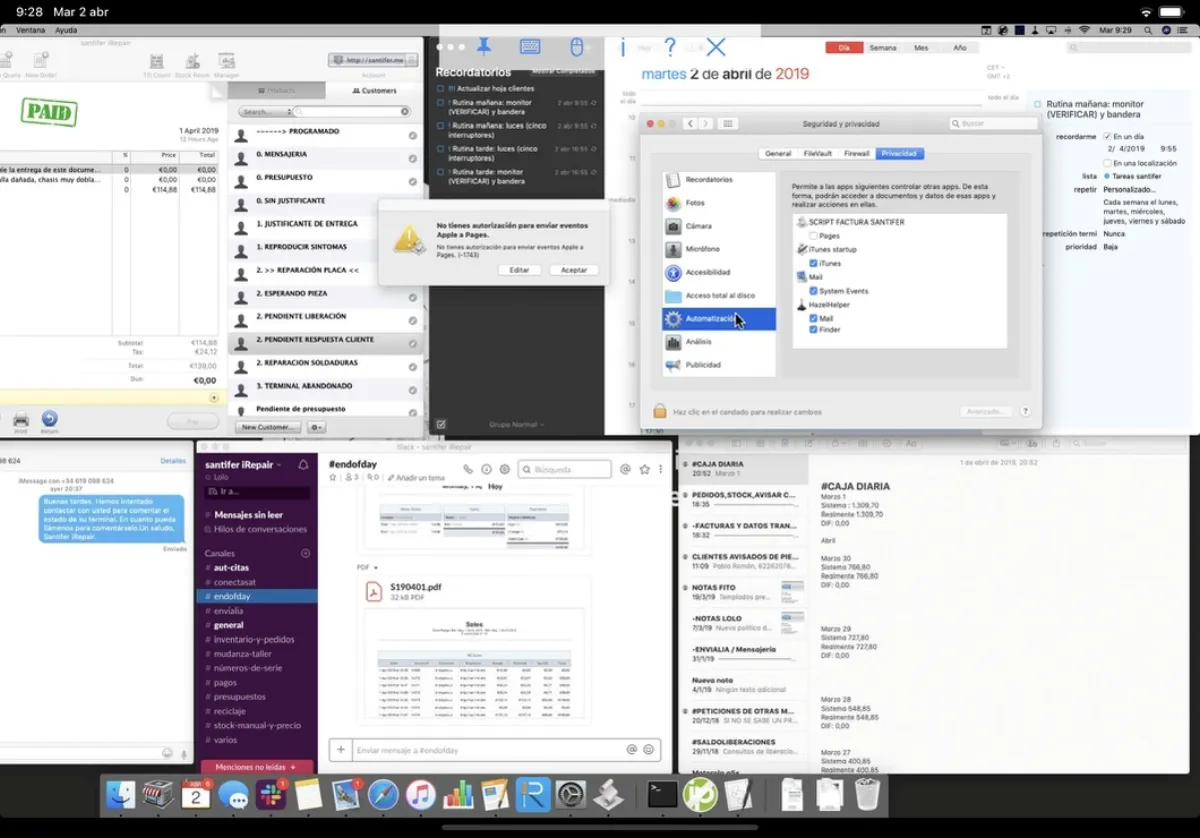
12 Airtable Bases as a No-Code Business OS#
The Business OS is an ecosystem of 12 interconnected Airtable bases. Each base owns a bounded domain, and 50+ native automations orchestrate data flows between them via linked records — no duplication, just linking what's needed.
12
Airtable Bases
2,100+
Total Fields
50+
Automations
170h
Monthly Savings
Central ERP
Business operations hub: work orders (496 fields in the OTS table), inventory, purchasing, bookings and warranties.
CRM
Customers, lead scoring, loyalty tiers, complete history and automated communications.
Accounting
Automatic bank reconciliation, invoice generation, expense tracking and financial reports.
Parts Catalog
Repair parts pricing and stock from suppliers, synced with the ERP inventory.
Accessories Catalog
Cases, screen protectors, chargers. Supplier catalog synced with inventory.
Web CMS
Headless CMS with 1,534 fields and 647 formulas powering the programmatic website by model and repair.
Customer Feedback
Satisfaction surveys, NPS and automated post-service follow-up.
Reviews
Internal and external (Google) reviews automatically extracted and aggregated.
Automated KWR
Keyword research per model and repair via DataForSEO for programmatic SEO decisions.
GBP Posts
Before/after success stories generated for Google Business Profile.
Short Content
Per-repair-type content for social media and communications.
Custom GPT
Configuration and prompts for internal stock and pricing query GPTs.
End-to-End Flows#
Each flow traces the happy path — the ideal sequence from trigger to resolution. The bases involved are tagged in each flow.
Repair Lifecycle — Intake to Delivery
The complete flow from a customer inquiry to picking up their repaired device — with automatic parts reservation, appointments and invoicing.
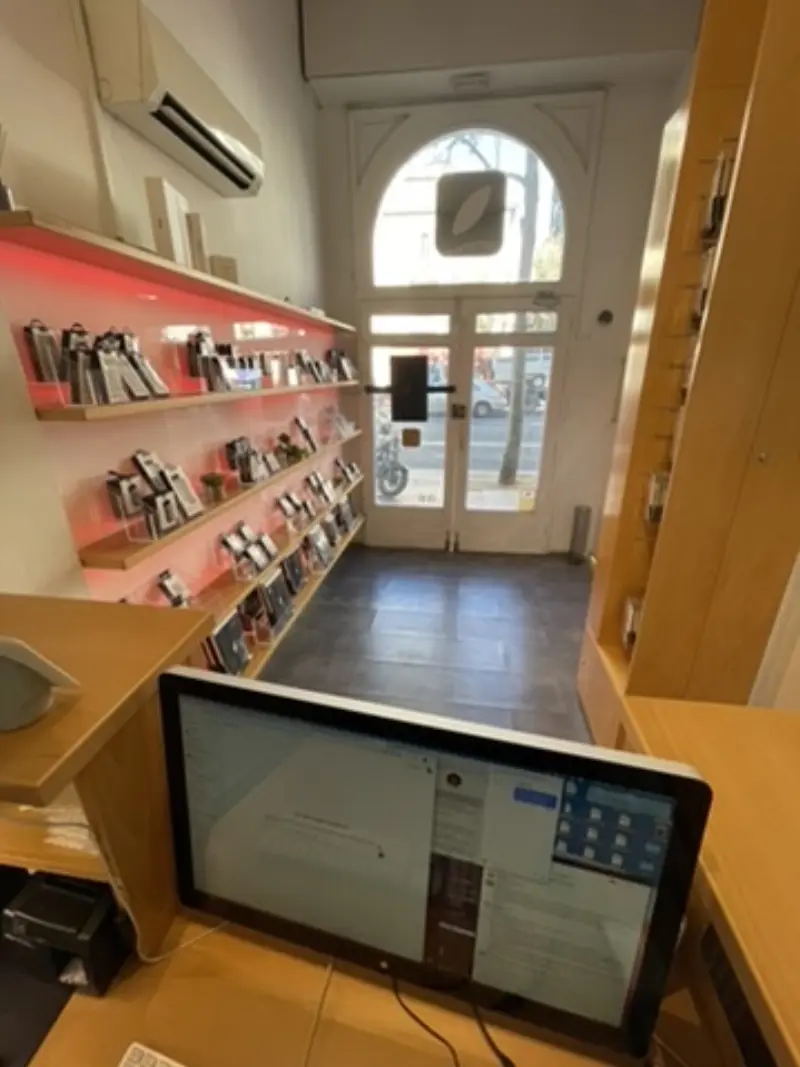
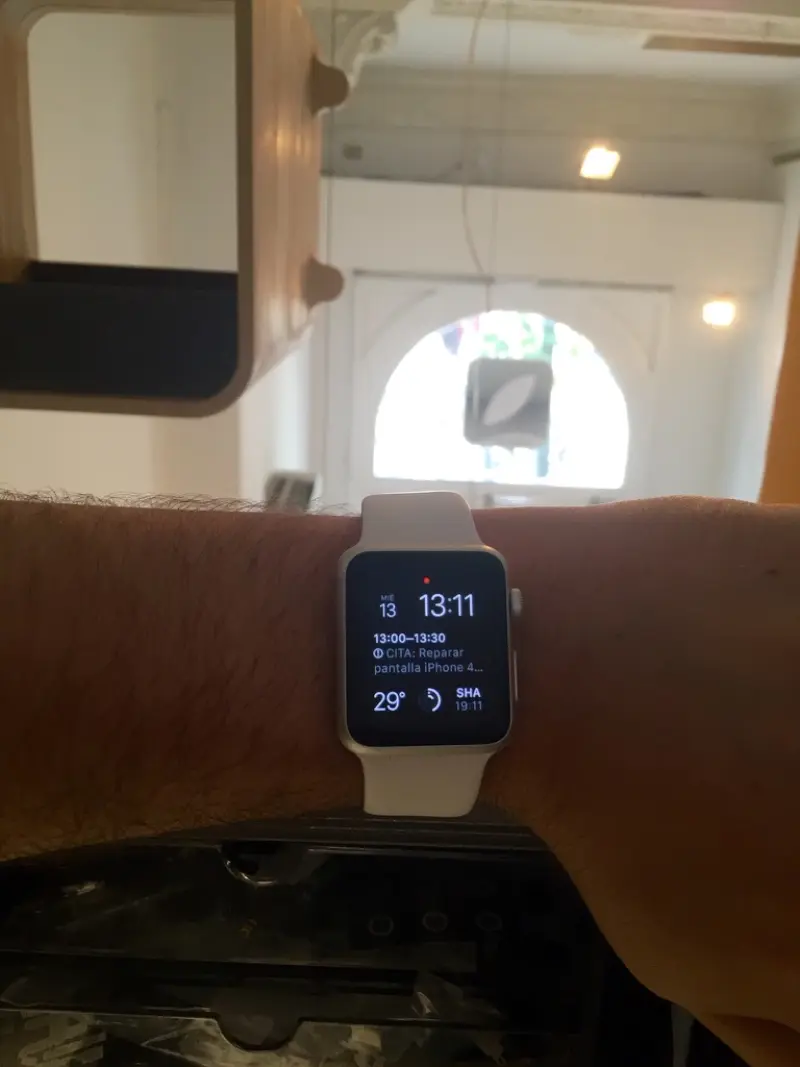
Intake: Jacobo identifies model + repair type → checks stock in Airtable in real time (integration contract: AI Agent ↔ Airtable REST API)
Quoting: price auto-calculated considering part cost + configured margin + customer tier from CRM. Low-margin repairs get flagged for manual review
Scheduling: booking sub-agent queries YouCanBookMe → offers available slots → creates appointment + work order in Airtable + auto-reserves parts. Source of truth: YCBM for time slot availability, ERP for the work order
If the needed part is in stock, auto-accepts the appointment; if not, generates an urgent purchase order for quick resolution
Execution: technician sees the work order on their tablet with full detail — model, repair, reserved parts and exact warehouse location (cabinet, drawer, position)
Completion: repair closed → invoice auto-generated with sequential numbering and tax data → loyalty points added to CRM → satisfaction survey sent via WhatsApp
The OTS table has 496 fields — the central record (source of truth) that almost every other base feeds into. Full traceability: each part is linked to its purchase order, supplier and the repair where it was used


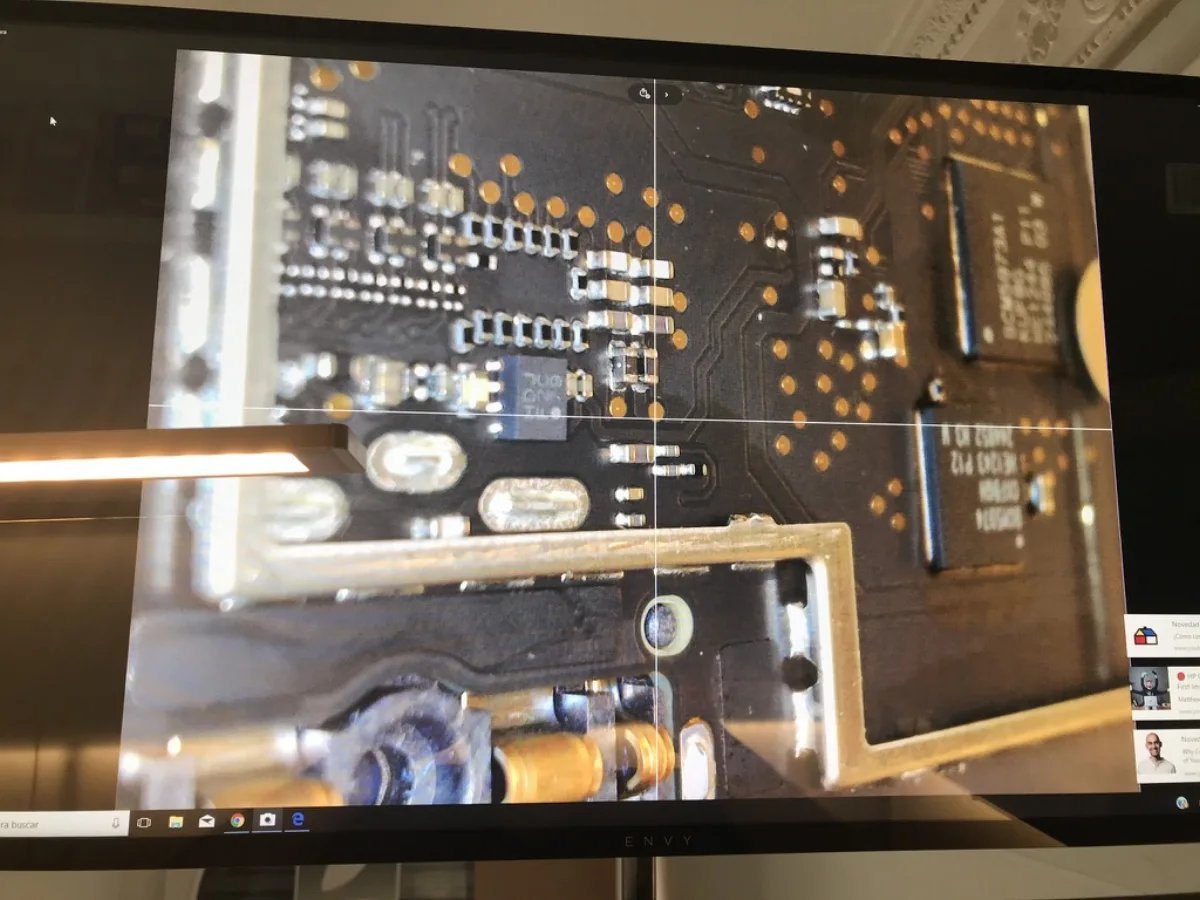

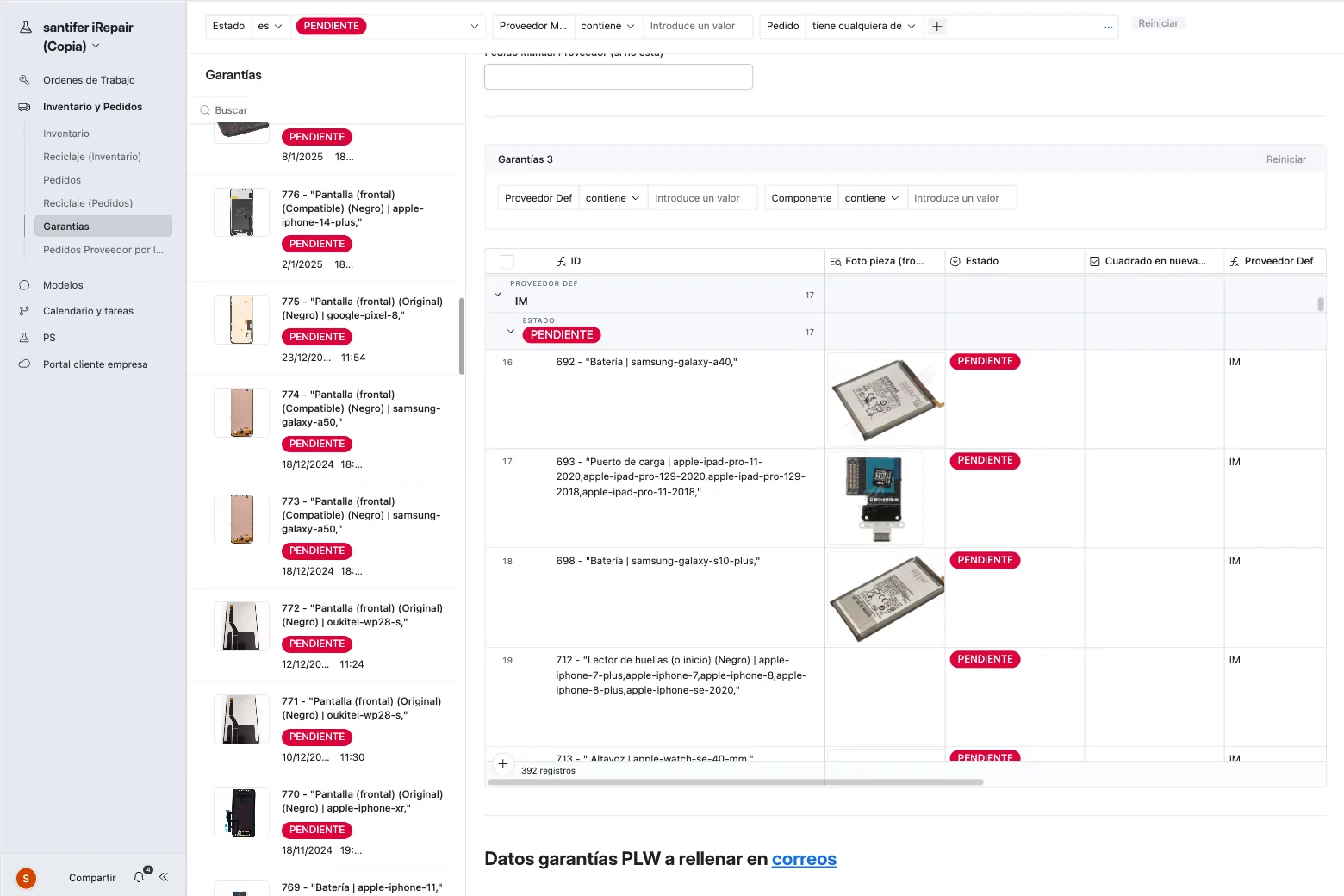
Procurement & Supply Chain
From low-stock detection to restocking, consumption and financial reconciliation — with auto-PO and inventory classification.
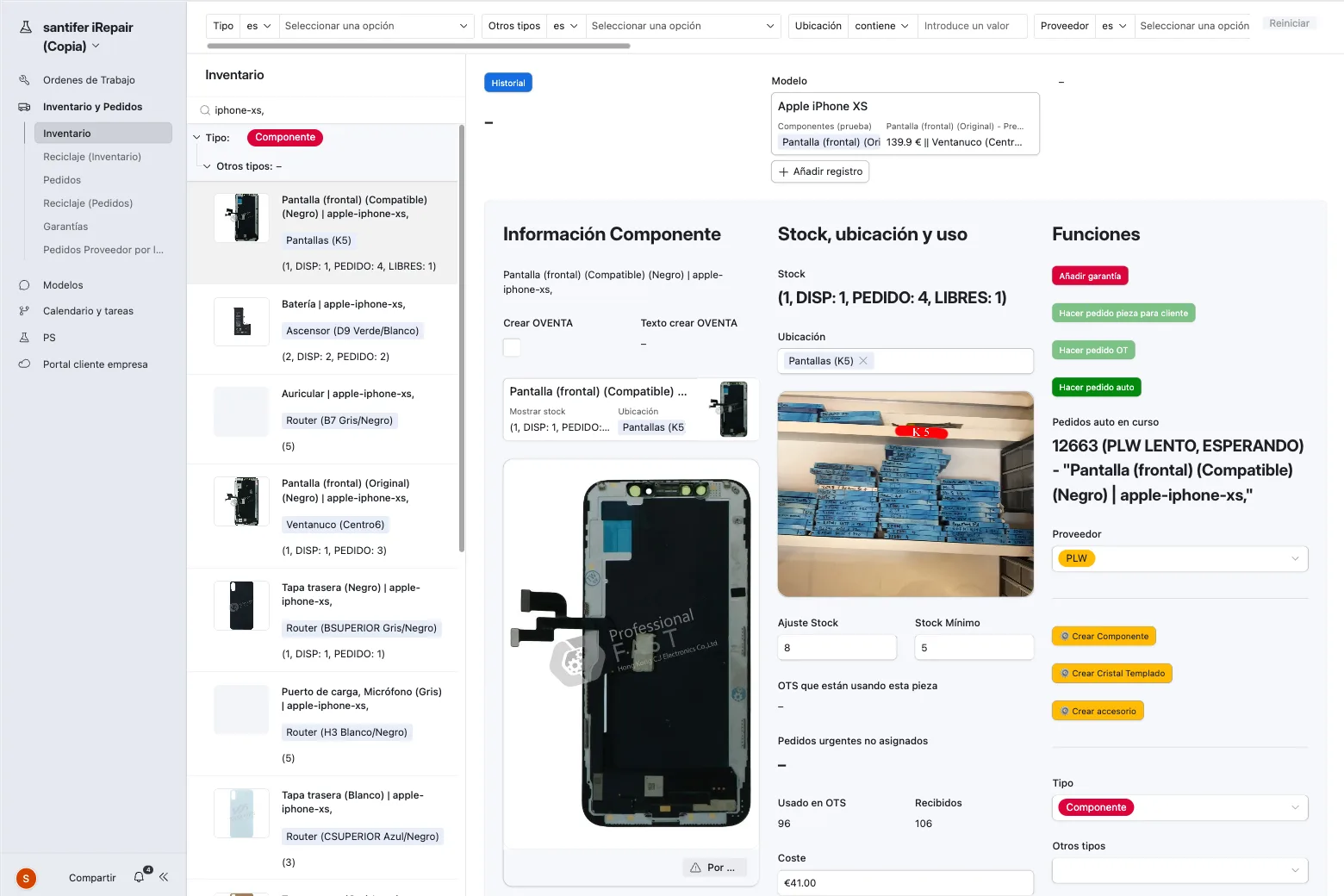
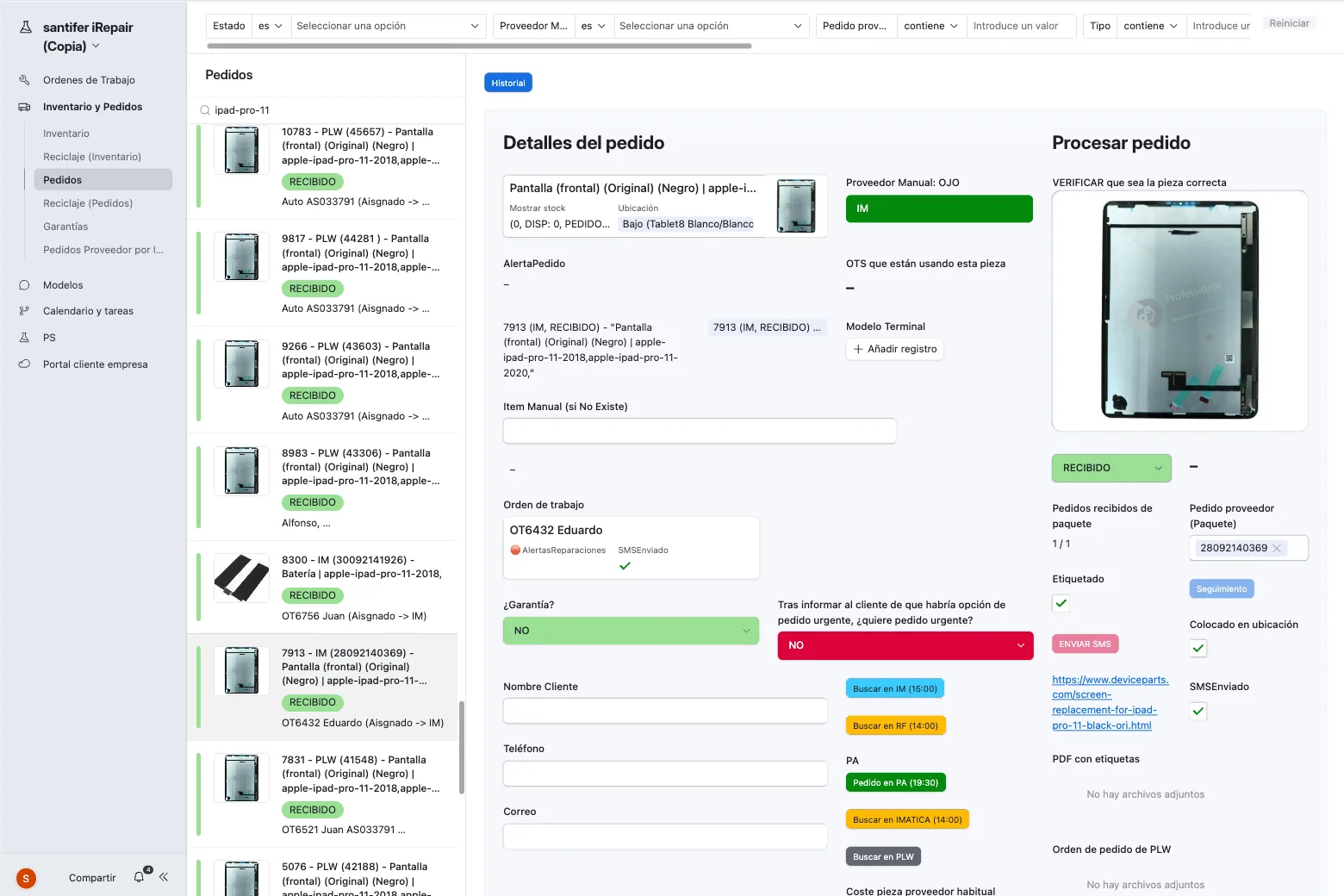
Threshold trigger: stock < minimum → auto-generates purchase order to best-priced supplier. Multi-supplier fallback: each part has 2-3 alternative suppliers with prices and delivery times compared
Custom stock alerts per part: iPhone screens are ordered with more buffer than less-demanded models
Reception: part arrives → location auto-assigned by Airtable based on occupancy (cabinet, drawer, position)
Consumption: when the work order is closed, parts are automatically deducted from inventory
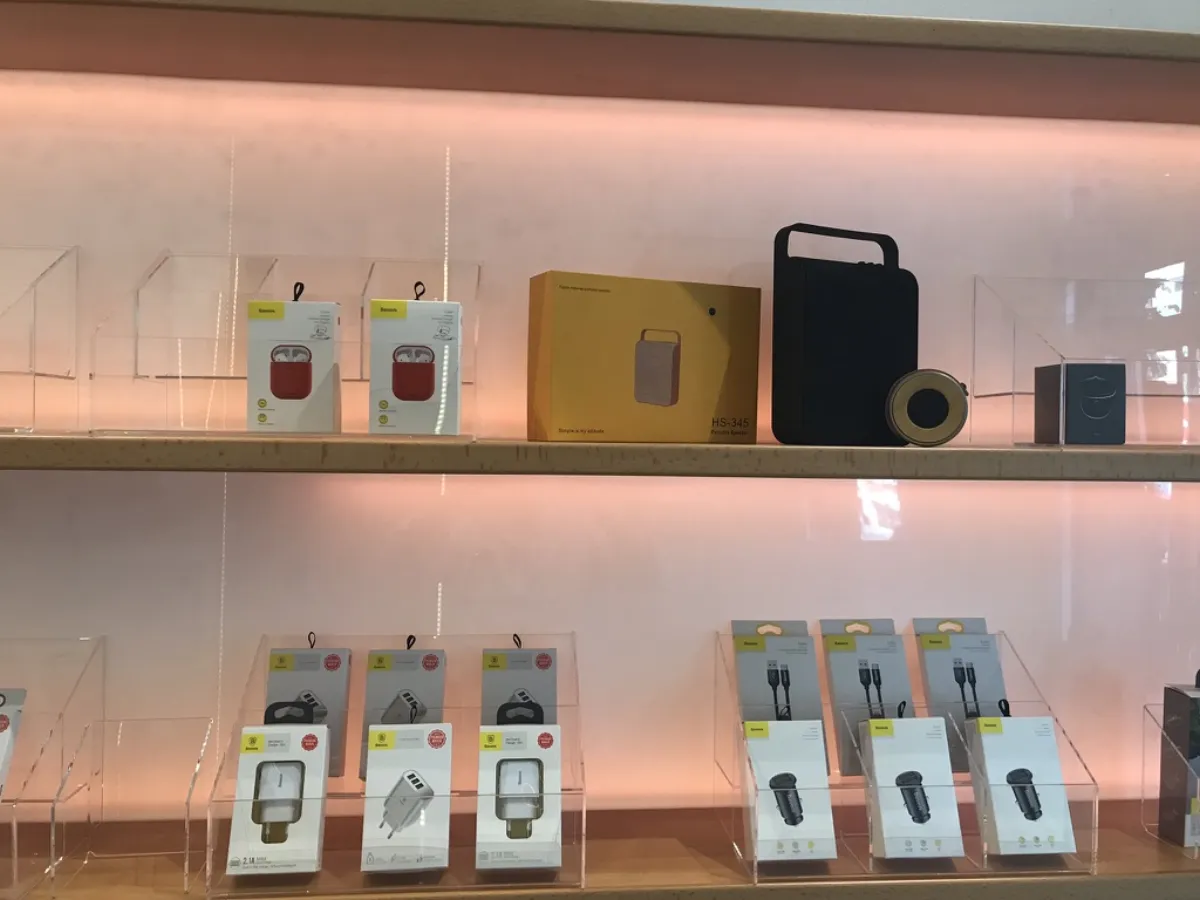
Two distinct lifecycles (inventory classification): parts are consumed in repairs, accessories are sold directly. Accessory sale prices auto-calculated with configurable margin per category
Rotation control: accessories unsold for 60+ days → discount or removal alert
Quality control: each part has a grade (original, premium compatible, standard compatible) that impacts price and warranty
Reconciliation: each purchase order is automatically matched with its bank transaction. Expense tracking integrated — each expense linked to category, supplier and cost center
Auto-generated monthly financial reports with P&L, cash flow and month-over-month comparison

Content-to-Revenue Pipeline
From a new model in Airtable to a Google-ranked landing page — with automated KWR, dynamic pricing and original content at scale.

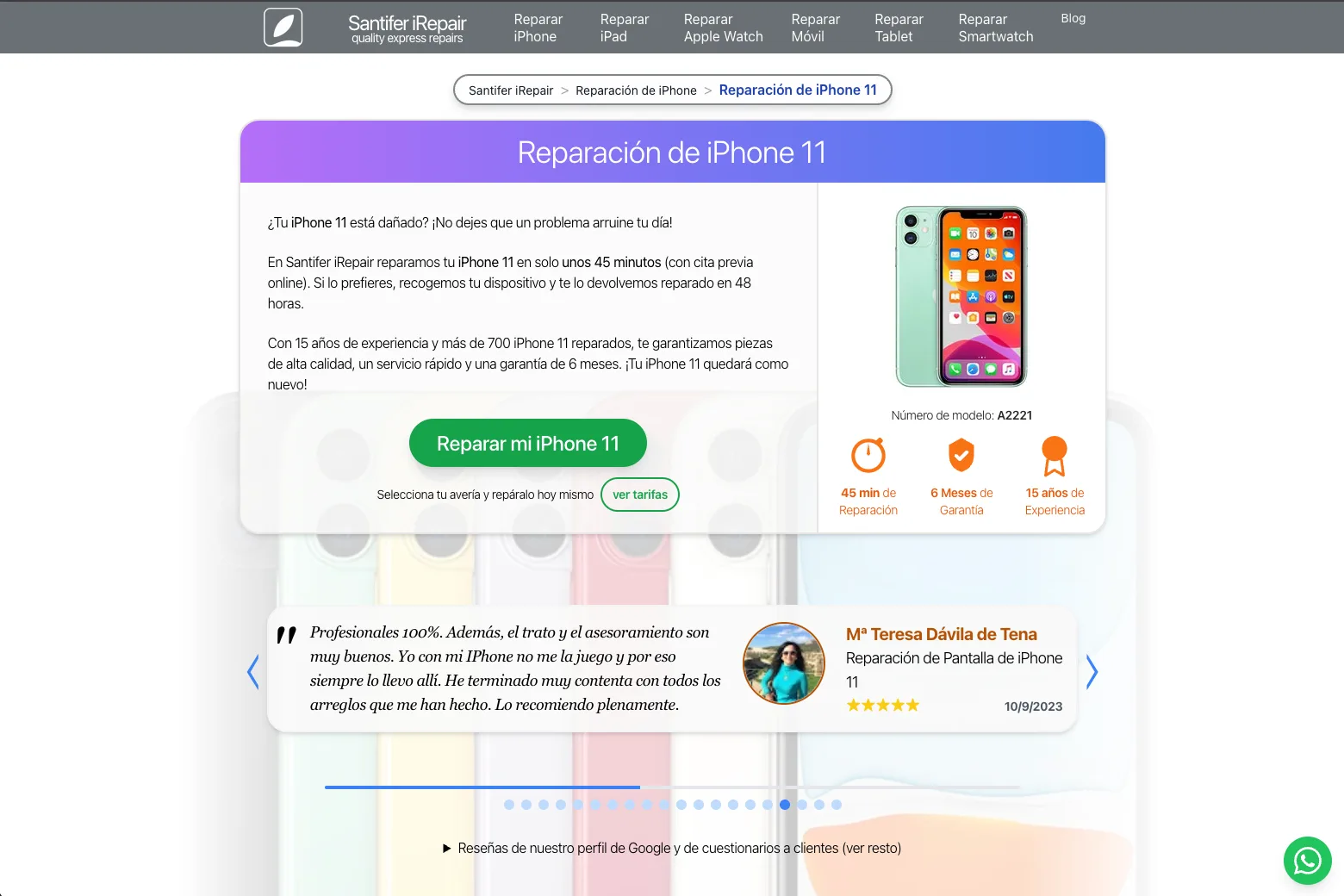
Automated KWR extracts keywords per model+repair (DataForSEO API) → prioritizes by volume and difficulty
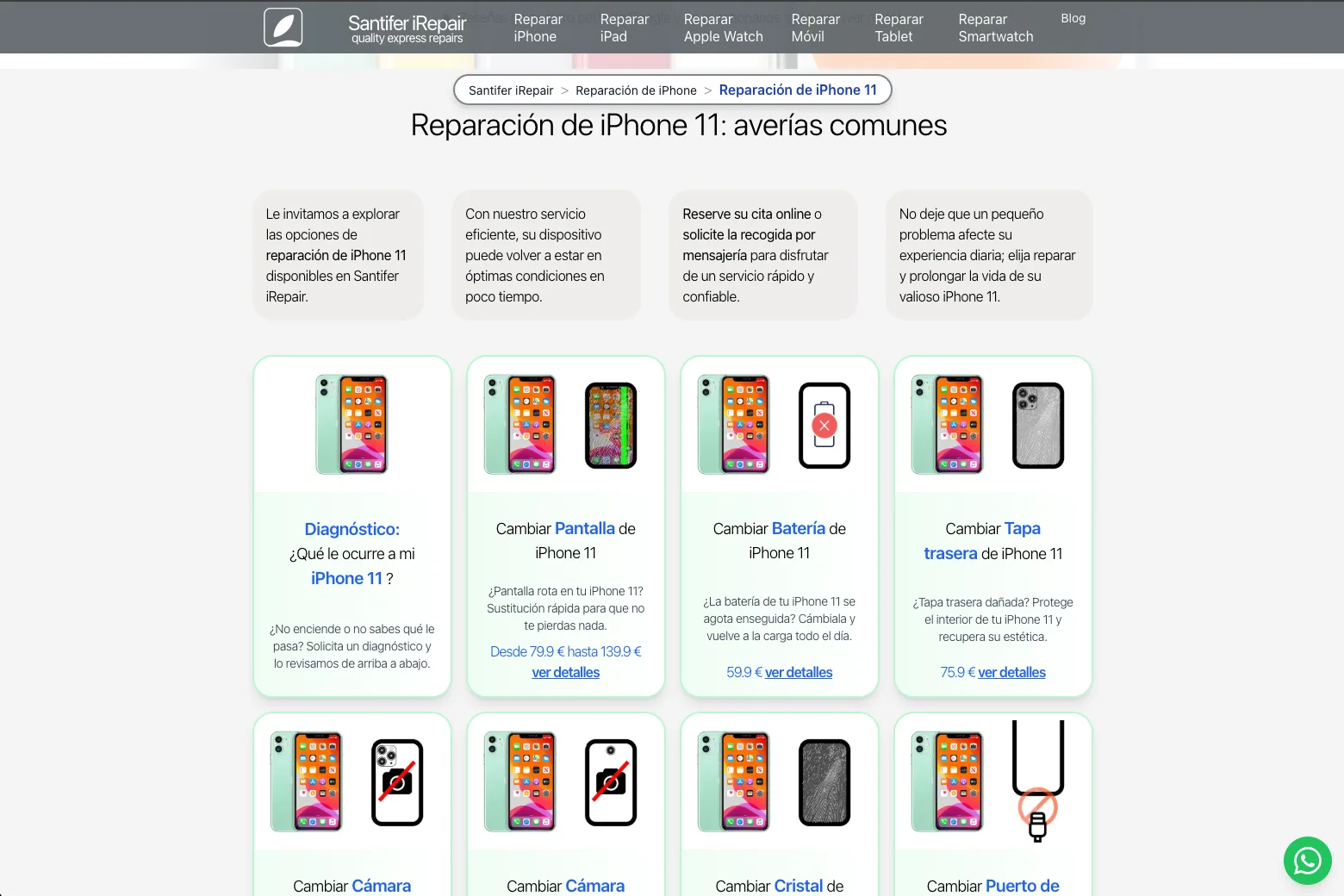
CMS generates landing page: price, availability, SEO description, FAQ, JSON-LD — all from formulas. 1,534 fields and 647 formulas calculate everything from canonical URLs to structured data (headless CMS pattern)
Catalog sync contract: if a part price changes → it updates on the website with zero intervention
GBP posts with real before/after repair photos, pulled directly from the ERP. A HITL process filters images with personal information before publishing. With hundreds of different repairs, every post was unique — original content at scale
Multi-language management (ES/EN) from the same base — each field has its translated variant
Result: constant organic presence without spending weekly hours manually creating content. Everything connected to the Web CMS with automatic internal linking
Customer Lifecycle & Retention
Lead scoring, loyalty tiers, automated reviews and reactivation campaigns — the feedback loop that converts one-time customers into regulars.
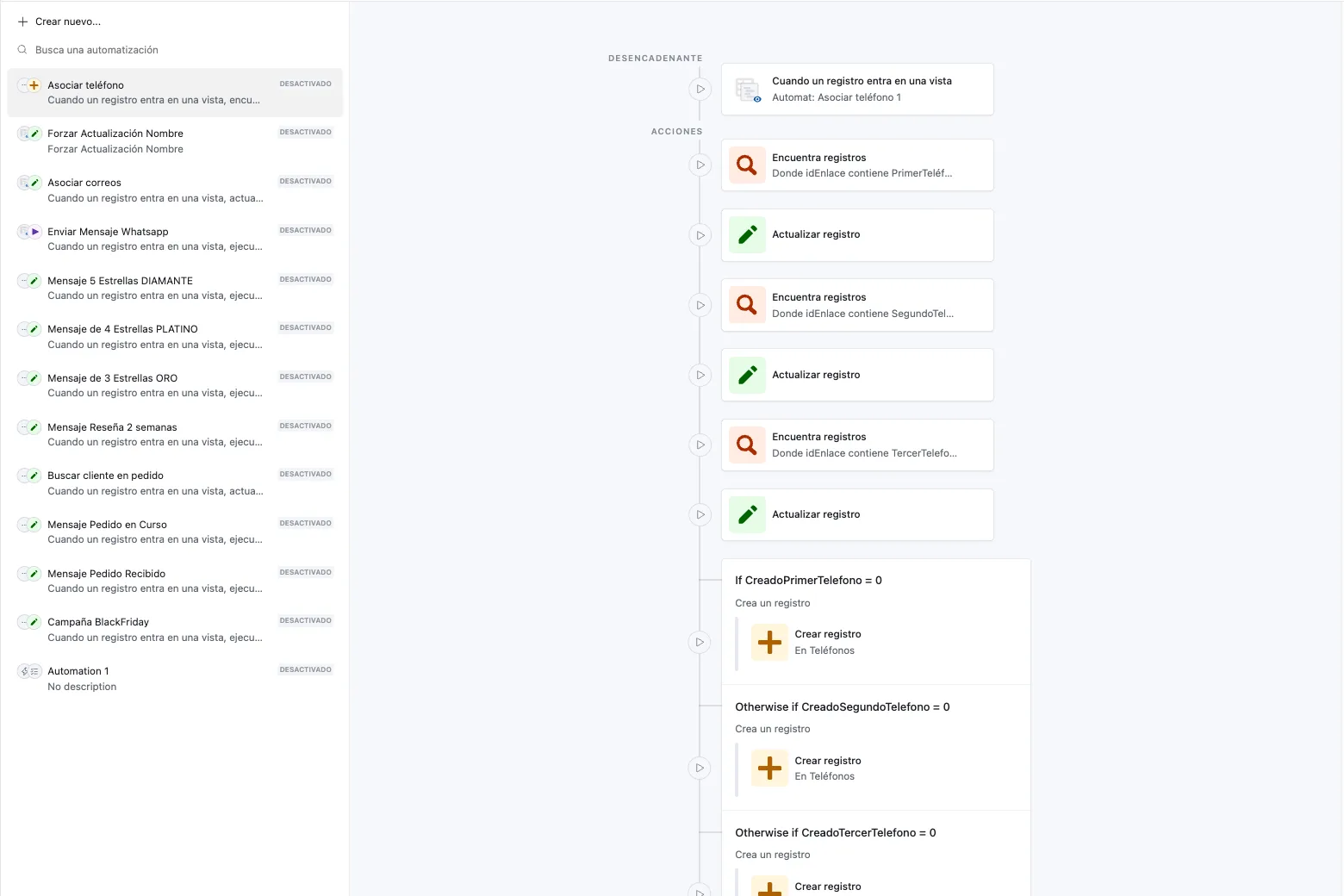
Automatic lead scoring: each interaction adds points → 5 tiers (Bronze → Silver → Gold → Diamond → Platinum) with progressive benefits like discounts, appointment priority and extended warranty
48h post-repair → Google review request, only if the customer has no open complaints (conditional trigger)
Assisted review responses: the CRM auto-cross-references the reviewer's name with their history — repaired model, repair type, assigned technician and tier. Replying with "thanks for trusting us with your iPhone 12 Pro" instead of a generic message made all the difference
WhatsApp satisfaction survey with 3 quick questions → results feed lead scoring (feedback loop: survey → scoring → tier → benefits)
Customer inactive for 90+ days → automatic reactivation campaign with personalized offers based on repair and purchase history
Structured complaints: each complaint linked to the original work order, responsible technician and resolution applied. NPS dashboard by period to detect trends
Complete customer history: all repairs, purchases, communications and complaints in one view
"The experience was very positive. The 1-hour repair time was met, the price is reasonable, and the repair quality is great. The contact and management through their WhatsApp chatbot works really well."
Santifer iRepair response:
"Thanks Jose Antonio! Glad the iPad repair met the deadline and that the WhatsApp chatbot made booking and tracking easy for you. Here whenever you need us."
CRM context: iPad, appointment via Jacobo (WhatsApp chatbot), 1h express repair
"(Editing my previous review): After mentioning the finishing issue, the workshop manager personally contacted me to offer an immediate solution. He offered an appointment that same afternoon. The result is now excellent. Mistakes can happen anywhere, but professionalism shows in how they're resolved."
Santifer iRepair response:
"Thanks for updating your review, Cristian. Our system flagged your initial rating and we reviewed your history: iPhone glass with a finishing detail. We contacted you directly to fix it that same afternoon. For us, responding when something isn't perfect the first time is essential."
CRM context: negative review alert, iPhone glass, ticket reopened, same-day resolution
How did we generate web content for every model and repair?
The Airtable CMS powered a programmatic website with unique pages per model and repair type — all automated with keyword research.
Cross-Cutting Capabilities#
These capabilities don't belong to a single flow — they operate across all of them.
Data Guardrails — 50+ Business Rules
Guardrails block incorrect data at the source — cheaper than fixing downstream. The system guides employees through every process: if they miss a step, it tells them what's missing.
Can't close a repair without logging the parts used
Can't invoice without customer-signed quote
Can't add a product without cost price and minimum margin
Automatic alert if a technician has more than 5 open repairs simultaneously
Duplicate IMEI validation: if a device is already in the system, it links to existing history
Consistency check: if the quote says "screen" but logged parts are "battery", it blocks
Event-Driven Notifications
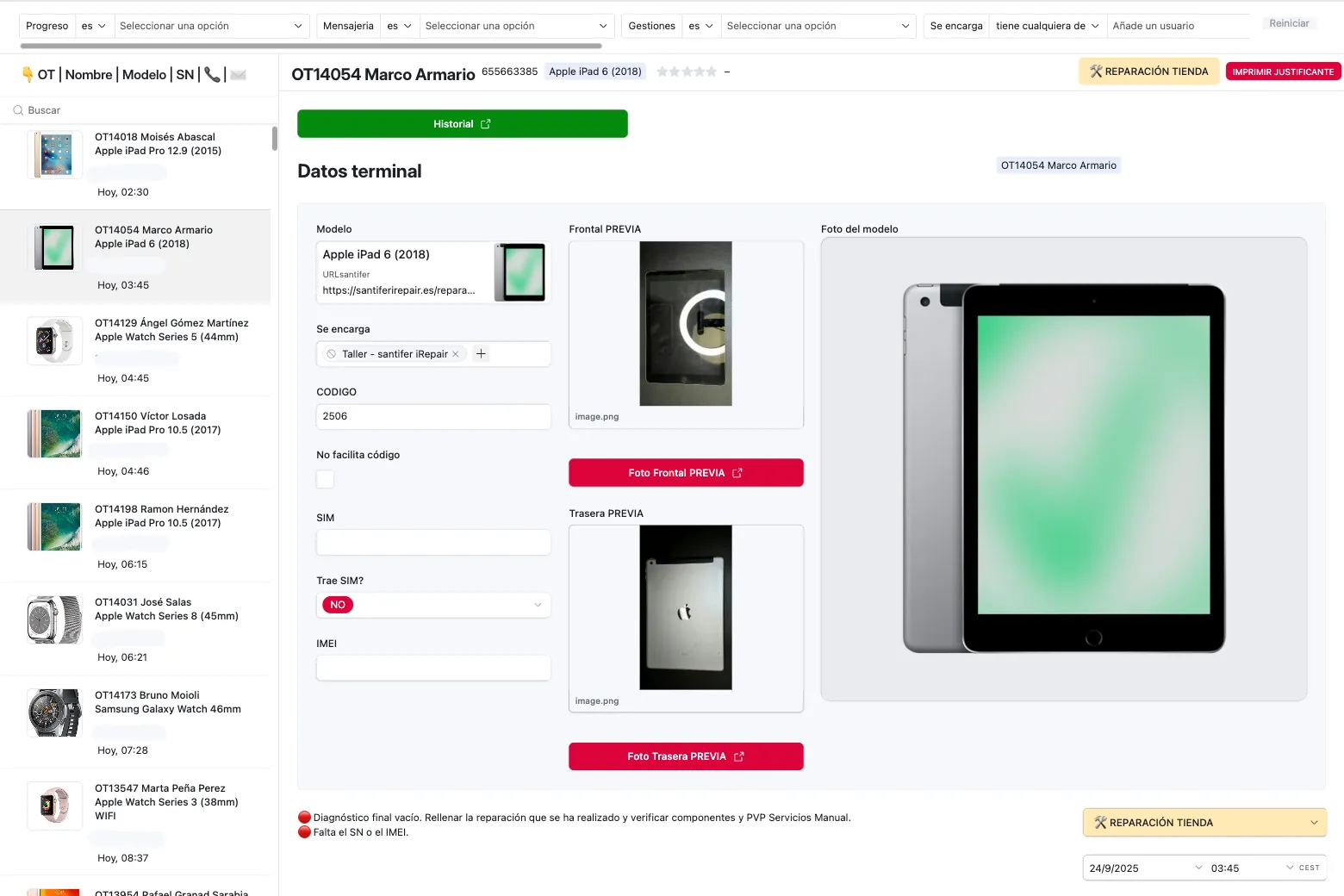
Every business event (appointment confirmed, repair completed, invoice issued) triggers a notification through the appropriate channel. The communication layer is decoupled from business logic.
Automated notifications per event: appointment confirmed, repair completed, invoice issued
Meta-approved WhatsApp templates with dynamic variables (name, model, price)
Native integration with the booking system: customer receives instant confirmation upon booking
If the part isn't in stock, an internal urgent order notification fires to the team for quick resolution
AI-Powered Query Layer
Two internal GPTs use Airtable as source of truth — natural language interface over operational data, no hallucinations.
Stock GPT: "Do we have iPhone 14 Pro screens?" → queries Airtable in real time and responds with stock, supplier, cost price, and exactly which cabinet and drawer the part is in. It also flags if other in-progress repairs are using that same part
Pricing GPT: "How much do we charge for a Samsung S23 repair?" → calculates final price considering part cost + configured margin + customer tier
Both GPTs use Airtable as source of truth, eliminating hallucinated answers
Generative AI Applied
Airtable as source of truth, GenAI as creative engine. From the product catalog and business data, visual assets were generated for storefront displays, social media and campaigns, with no manual content intervention.
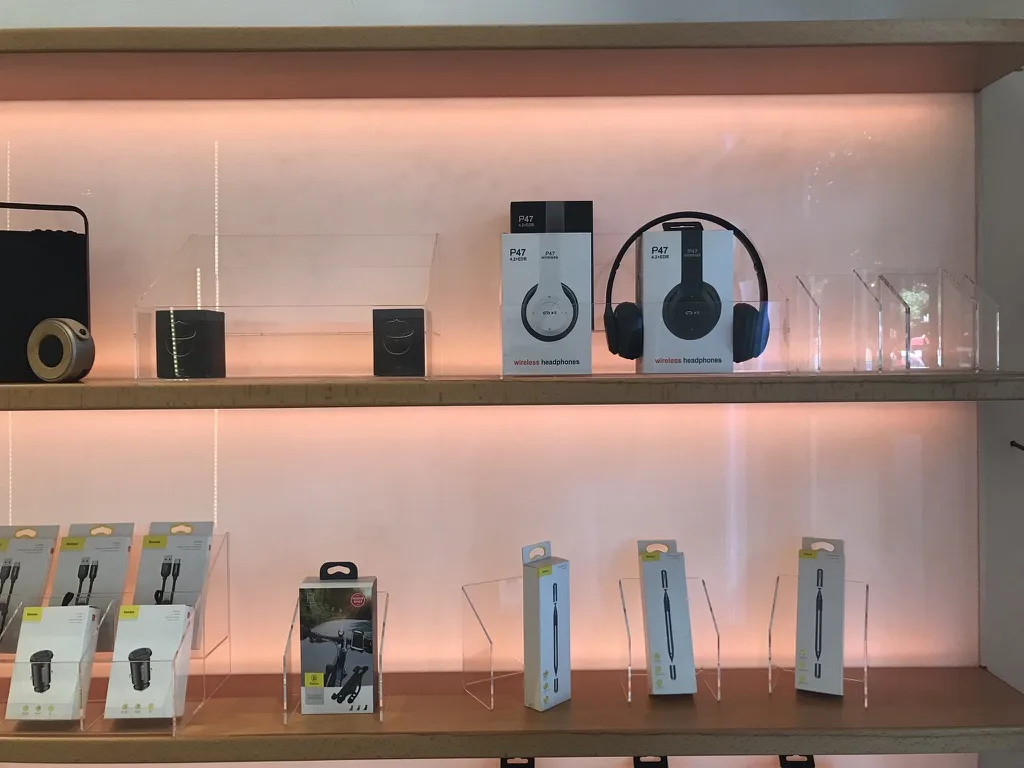
AI-generated digital signage for storefront: product images and promotions deployed on in-store screens, fed from the Airtable catalog
Instagram Reels with Sora-generated video (OpenAI) and original songs with Suno (AI): emotional storytelling, humor and branding, edited with DaVinci Resolve
Full pipeline: Airtable data → prompt → visual generation → channel deployment (storefront, Instagram, WhatsApp)







The 170h/Month Breakdown#
This isn't a made-up number. Each saving is calculated based on task frequency and the manual time it used to require (measured with before/after time tracking over 3 months):
| Module | Before | After | Monthly Savings |
|---|---|---|---|
| Automatic purchase orders | 45 min/day | 0 (automatic) | ~22h |
| Price/stock inquiry responses | 2h/day | 5 min (GPT) | ~58h |
| Repair tracking | 30 min/day | Automatic | ~15h |
| Appointment management & confirmations | 45 min/day | Automatic | ~22h |
| Billing & quotes | 1h/day | 10 min | ~25h |
| Inactive customer reactivation | 3h/week | Automatic | ~12h |
| Reports & KPIs | 4h/week | Automatic | ~16h |
| Total | ~170h/mo |
Before vs After#
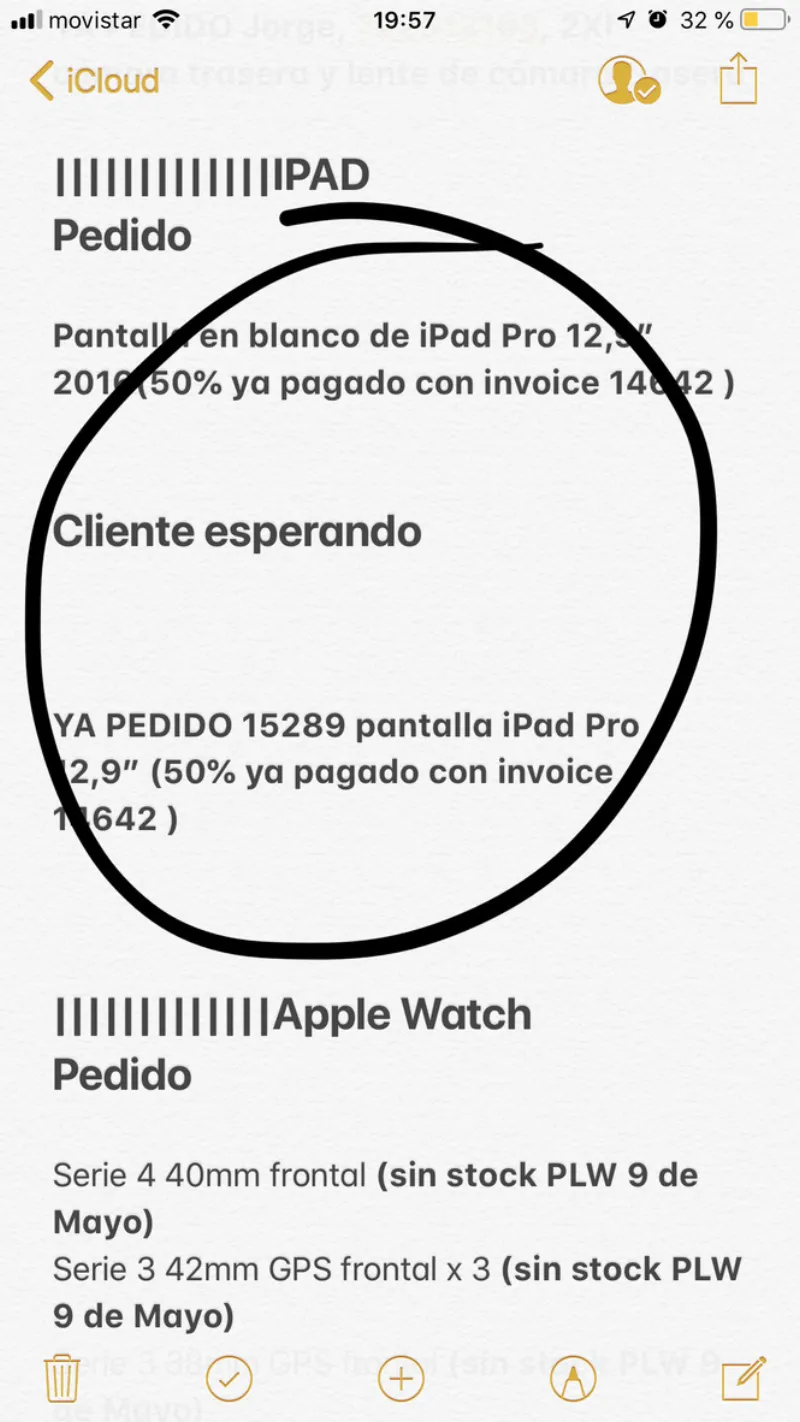
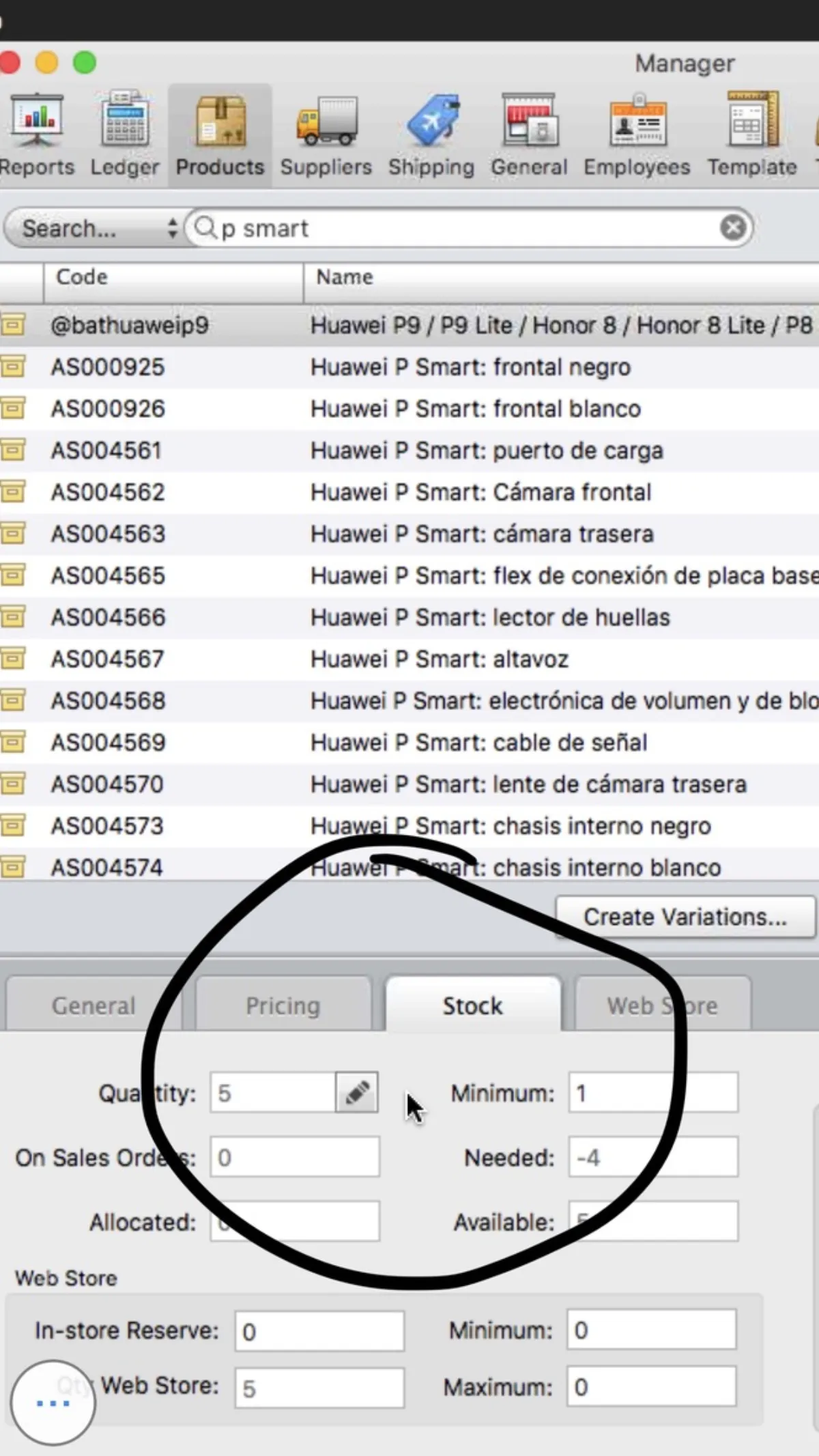
How things were managed before:



Data management
Basic Checkout POS, data fragmented across disconnected systems
Airtable as single source of truth (SSOT) — one data point, one place
Customer communication
WhatsApp groups, manual one-by-one messages
Automated triggers per event: confirmation, reminder, completed
Billing
Manual invoices from Checkout POS, frequent data errors
Auto-generated on repair completion, with correct tax data
Stock control
Visual check, "I think we have 2 left"
Real-time alerts, automatic purchase orders when minimum is reached
Human errors
Copy-paste between systems, inconsistent data
0 errors with 50+ automatic validations that block inconsistencies
After — everything in one system:

Architecture Decision Records (ADRs)#
Every technical decision has a reason. Here are the most important ones:
Why Airtable as SSOT?
Airtable combines spreadsheet flexibility with relational database structure. For a business that iterates weekly, speed of change is critical. Adding a new field or view takes minutes, not days of development.
Why custom over SaaS?
SaaS imposes its data model. When your business is multi-service (repairs + accessories), no vertical SaaS covers everything. The adaptation cost exceeds the build cost.
When NOT to build custom?
If your business fits a standard vertical (repairs only, no multi-service), use RepairDesk or similar. Building custom makes sense when your business differentiator is in the processes, not the product.
Why native Airtable automations over Zapier/Make?
Airtable automations live inside the base itself, access data directly, and have no per-execution cost. For day-to-day business logic (50+ automations), that's unbeatable. Make is used as glue for specific SaaS integrations: new Google My Business review notifications (official integration), supplier webhooks and payment gateway syncs. n8n is used for Jacobo (the AI agent), where complex orchestration with language models and tool calling is needed.
How do you manage 2,100+ fields without chaos?
By separating concerns: each base owns a clear domain and only syncs strictly necessary data with other bases via linked records. No duplicating everything — just linking what's needed. Combined with role-filtered views (technicians see their stuff, sales sees theirs), each user interacts with a manageable subset of the system.
Logic placement: where each rule lives
Simple → native Airtable automations (zero cost per execution, but capped at 100,000 runs/month on the Business plan; hit the limit and they stop cold). SaaS glue → Make, fast and robust for integrations with external APIs (Google My Business, suppliers, payments), with purchasable credits if you need more capacity. AI orchestration → n8n for agents with LLMs and tool calling. Heavy computation → custom code. Rule: push logic as close to the data as possible.
ID strategy: record IDs + sequential codes
Airtable generates recXXXXX for internal linking. Employees and customers use readable codes: OT-2024-04521, FAC-2024-01234. The separation prevents human errors without sacrificing referential integrity.
Audit trail: revision history + formula timestamps
LAST_MODIFIED_TIME() on critical fields creates a queryable audit trail without external logging. Every change to a work order, invoice or quote is recorded with date and user.
Base sync strategy: linked records, no duplication
Each base syncs only the necessary fields with other bases. Known trade-off: cross-base reporting requires intermediate views, but the alternative (duplicating data) creates inconsistencies that cost more than the workaround.
Platform Evolution#
Build with the best available tool. Refactor when the platform allows it.
2019
Single base + Zapier
Work orders, inventory, customers, and billing in one base. Zapier connected external flows.
2021
Base syncing → bounded domains
Domains separated into independent bases (ERP, CRM, Parts, CMS). Only sync what's needed.
2022
Native automations replace Make
Migrated from Make to Airtable native automations. 50+ internal flows with zero external dependencies.
2023
Interface Designer → goodbye raw tables
The whole team works with role-based designed interfaces, not tables. Faster, fewer errors.
2024
Dynamic filtering → compatible parts only
Selecting a model on a work order filters parts to compatible ones only — not the full 1,000+ catalog.
2025
Jacobo AI Agent → the payoff
Omnichannel voice + WhatsApp agent. Shipped in weeks, not months.
Five years of clean architecture made it inevitable.
These systems still operate under the Santifer iRepair brand.
Just without me.
Building this system showed me what I could do at scale.
So I sold the business and went to find out.
Lessons Learned#
Start with the bottleneck, not the shiniest module.
Inventory was chaotic. Starting there unblocked everything else: purchase orders, pricing, and quotes all depend on reliable inventory.
Validations are more valuable than automations.
Automating tasks saves time. But validations that prevent errors save money. A wrongly logged part can cost more than an hour of manual work.
The CRM isn't a contact list — it's a retention machine.
Tier gamification multiplied the return rate. Customers actively ask "How many points do I have?". That doesn't happen with a basic CRM.
Document the business rules, not the code.
Airtable automations are visual and self-explanatory. What needs documentation are the rules: "Why is the minimum margin 30%?" and "When does an inactive customer get reactivated?".
Transferable Patterns#
The architecture patterns behind this Business OS — bounded domains, SSOT, event-driven notifications, business rule guardrails — are transferable to any service business. The specific modules change; the design principles don't.
Clinic / dental practice
Replace repair lifecycle with patient journey. Parts catalog becomes treatment catalog. Same inventory logic, different domain.
Agency / consultancy
Replace work orders with project delivery. CRM tiers become client account levels. Automated reporting stays identical.
Retail / e-commerce
Replace repair intake with order fulfillment. Supply chain logic transfers directly. Customer lifecycle and retention flows are plug-and-play.
Any business with complex operations can benefit from this approach — whether services, retail or e-commerce. The patterns are proven; what changes is the domain.
The same systems thinking, applied to LLMOps
The chatbot on this portfolio uses the same principles: agentic observability, automatic closed-loop, and 71 tests. From automating a physical business to automating an AI pipeline.
Got an operational problem that doesn't fit in a SaaS?
I built a system that managed 30,000+ repairs, automated 170h/month, and survived a business sale — intact. Whether it's for your own company, your platform's customers, or a team that needs someone to build from the inside — tell me the problem.
FAQ#
Does Airtable scale to 30,000+ records?
Yes, with caveats. On the Business plan (125K records per base), Airtable handles tens of thousands of records well. The key is designing bases with filtered views and not loading everything in a single view. As you approach the limit, consider periodic archiving or migration to Postgres.
How much does this cost vs. SaaS like RepairDesk?
Airtable Business (~$45/mo per user, 125K records/base plan) + integrations (YouCanBookMe, WATI, Make) ≈ $120-170/mo. RepairDesk is $99/mo but doesn't cover advanced CRM, complex automations, or the multi-service model. The real savings are in the 170h/month of eliminated manual work.
What if Airtable changes its pricing or API?
It's a real risk. The mitigation: periodic data backups and, most importantly, having the complete data schema documented. If migration were ever needed, the relational structure of the 12 bases is the real asset — it can be replicated on any platform.
How long did it take to build all of this?
Years of trial and error. But with a key pattern: each new module took half the time of the previous one, because accumulated learning accelerated everything. The system grew organically while the business operated — there was never a "stop everything and build" moment.
Who maintains the system now?
The buyer. I sold the business in 2025 as a going concern: brand, systems, and workflows included. The fact that the buyer acquired it as a running operation — without needing to rebuild anything — is the ultimate validation of the architecture.
Can this be replicated for another business?
The architecture (Airtable as SSOT with native automations) is replicable for any service business: workshops, clinics, agencies. What changes are the specific business rules and required modules.
Can Airtable be used as an ERP?
Yes, with design discipline. Airtable isn't an out-of-the-box ERP, but its relational flexibility lets you build a custom one. The key is treating each base as an independent module with clean interfaces (linked records) and using native automations to orchestrate the flows. With 12 bases and 2,100+ fields, this Business OS handles everything a traditional ERP would — but with weekly iteration instead of monthly.
What are the disadvantages of Airtable?
The main ones: 125K record limit per base on the Business plan (requires archiving if you grow significantly), pricing that scales fast with users, and vendor lock-in. The mitigation: intelligent data design with separate bases per domain, syncing only the necessary information between them, not everything at once. For this Business OS, the advantages (iteration speed, flexibility, friendly UI) far outweigh the disadvantages.
Why native Airtable automations instead of Zapier?
Airtable automations live inside the base itself, have no per-execution cost, and access data directly without intermediate APIs. For day-to-day business logic (50+ automations), it's the most efficient option. The limit is 100,000 runs/month on the Business plan: hit it and they stop, with no option to buy more. That's why external system integrations (Google My Business reviews, supplier webhooks) go through Make, where you can purchase additional credits if you need more capacity. n8n is used for Jacobo (the AI agent), where complex orchestration with language models is needed.